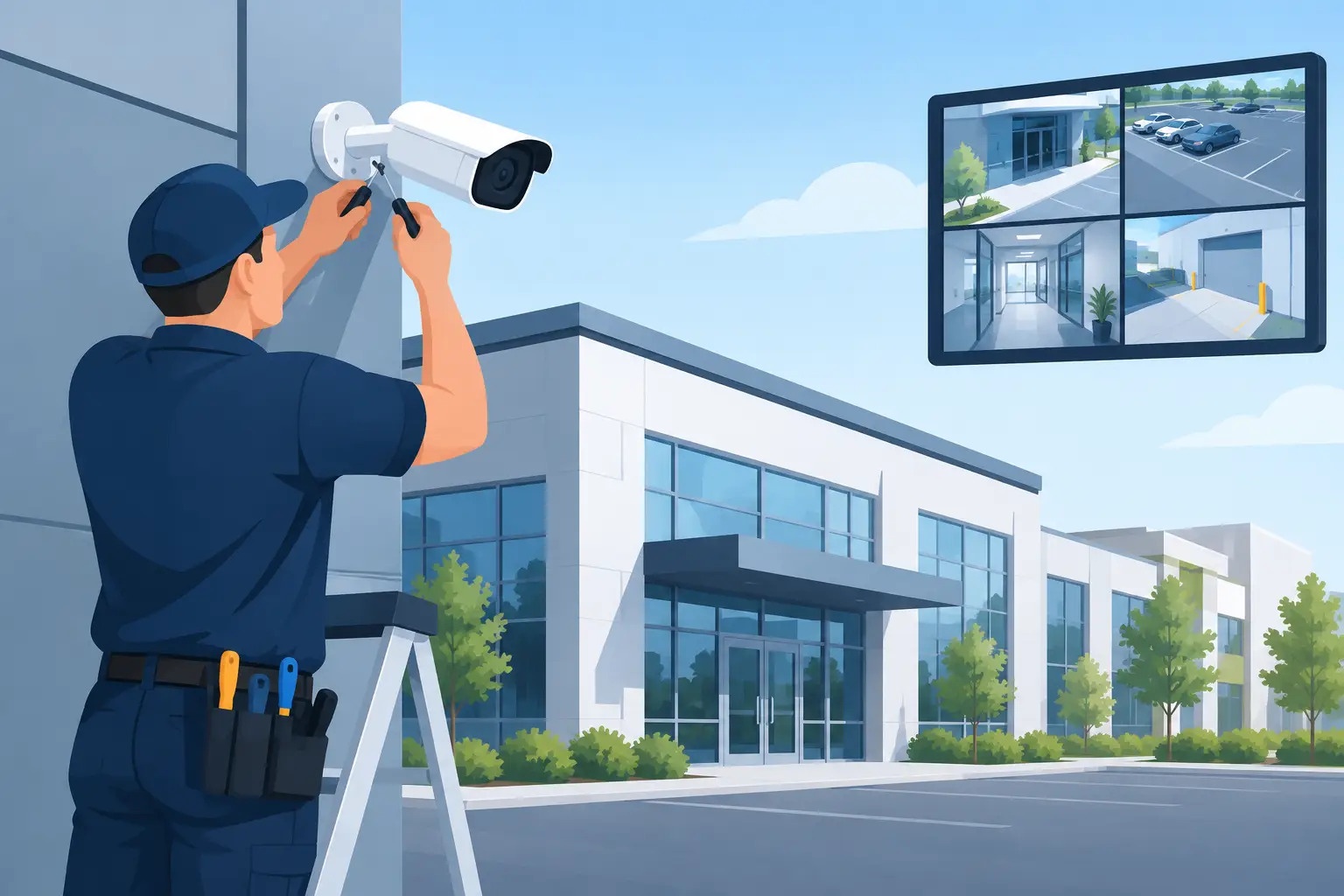
A camera mounted above a doorway is not automatically a security system. If it captures only the top of a visitor’s head, loses detail in changing light, or cannot be reviewed when an incident occurs, it creates a false sense of coverage. Commercial security camera installation should give a business clear visibility of the areas that matter, dependable evidence when needed, and a practical way to manage daily security.
For property owners, facilities teams, and business operators, the objective is not to place cameras everywhere. It is to protect people, assets, entry points, and operations without creating unnecessary complexity. The right system is designed around how a site actually functions - who enters, where goods move, which areas require oversight, and how footage will be used.
Start With the Risks, Not the Camera Count
A professional installation begins with a site assessment. This identifies vulnerable locations, operational blind spots, lighting conditions, existing network capacity, and the practical routes for cabling and equipment placement. It also prevents a common mistake: buying cameras first and discovering later that they do not cover the real points of concern.
For a retail business, the priority may be entrances, cash-handling areas, stockrooms, and delivery access. An office may need accountability at reception, server rooms, restricted offices, and after-hours entry points. Warehouses often require broad coverage of loading bays, inventory aisles, perimeter access, and vehicle movement.
Each environment has different challenges. A wide lobby may need a camera with a broad field of view, while a gate or loading entrance may require tighter coverage that captures usable facial or vehicle detail. Outdoor areas need equipment and positioning that can handle weather, glare, shadows, and nighttime conditions. A camera that looks adequate on a floor plan may produce poor results after dark if lighting is not considered early.
The assessment should also define what the business needs to identify. Seeing that a person entered an area is different from identifying that person’s face. Monitoring a vehicle lane is different from reading a license plate. Clear requirements allow the system design to match the security outcome rather than relying on generic specifications.
What a Commercial Security Camera Installation Should Include
The physical mounting of cameras is only one part of the work. A complete installation brings together camera placement, recording, network configuration, power, remote access, retention settings, and testing. These elements need to operate as one managed system.
Purposeful Camera Placement
Placement determines whether a camera delivers usable footage. Cameras should cover approaches to doors, not only the door itself. They should avoid being blocked by shelving, signage, parked vehicles, or open doors. In public-facing environments, placement should also support a visible security presence without making the space feel poorly managed or intrusive.
Height matters. Cameras installed too high may provide a general overview but little identifying detail. Cameras mounted too low can be tampered with or obstructed. The best position balances image quality, coverage, protection from interference, and ease of future servicing.
A well-designed system uses overlapping views where risk justifies it. For example, one camera may provide an overview of a loading area while another captures detailed activity at the entrance. This avoids relying on a single angle to explain an incident.
Reliable Recording and Storage
Footage is valuable only if it is available when required. Recording equipment should be sized according to the number of cameras, image quality, recording schedules, and the retention period the organization needs. Higher-resolution cameras provide more detail but also consume more storage and network capacity.
There is no single correct retention period. A small office may only need several weeks of footage, while a site with inventory movement, recurring disputes, or multiple access points may need longer retention. The right approach depends on risk, operational requirements, and applicable privacy obligations.
Recording rules also require careful setup. Continuous recording provides a complete timeline but uses more storage. Motion-based recording can reduce storage requirements, though poorly configured detection may miss meaningful activity or create excessive alerts. Many commercial sites benefit from a mixed approach, with continuous recording in critical areas and event-based recording in lower-risk locations.
Secure Remote Access
Managers often need to check a site without being physically present. Remote viewing can support faster response to alarms, opening and closing procedures, delivery verification, and investigations. It should be configured with controlled user permissions rather than shared logins.
Not every user needs access to every camera or every system setting. A branch manager may need live views for their location, while a facilities administrator may require access across multiple sites. Clear roles reduce accidental changes and protect sensitive footage.
Remote access should also be treated as part of the organization’s security posture. Strong credentials, proper network configuration, software updates, and account management are essential. Connecting cameras to the internet without appropriate safeguards can create a weakness instead of improving control.
Connect Surveillance With Access Control
CCTV is more effective when it works alongside controlled entry. A camera can show who approached a door. An access-control system can record which credential was used, whether entry was granted or denied, and at what time. Together, they provide a clearer account of site activity.
This is especially useful for offices, schools, managed properties, storage areas, and multi-tenant buildings. When an access event occurs, security personnel can quickly review the corresponding video rather than searching through hours of recordings. It supports investigations, improves accountability, and gives teams more confidence in how restricted areas are managed.
An integrated approach can also simplify daily administration. Instead of coordinating separate vendors for cameras, door access, maintenance, and system support, businesses can organize security requirements through one provider. MyCCTV helps customers combine surveillance, access control, managed services, rental options, and packaged solutions according to site needs.
Integration should be appropriate to the operation. A small business with one entry door may only need straightforward video and credential access. A multi-site operator may benefit from centralized security management, standardized permissions, and consistent reporting across locations. The scale changes, but the goal remains the same: better visibility and control with less fragmentation.
Plan for Operations After Installation
Security systems are often evaluated on installation day, but their value is proven over months and years of use. Before handover, staff should know how to review footage, export relevant clips, respond to equipment alerts, and request support. A system that only one outside technician understands can slow down response when time matters.
Maintenance also deserves attention. Camera lenses can become dirty, construction can change sightlines, and network changes can affect connectivity. Regular health checks help confirm that cameras are recording, timestamps are accurate, storage is functioning, and critical views remain unobstructed.
As the business changes, the system may need to change with it. New storage racks, altered reception layouts, expanded parking, additional doors, or new tenant arrangements can create blind spots. Planning for scalable equipment and organized documentation makes future additions easier and more cost-effective.
Choosing Installation, Packages, or Rental
The right procurement path depends on the site, timeline, budget, and length of need. A permanent installation is often the best fit for established premises that need long-term coverage. A packaged solution can make sense for organizations seeking a defined set of cameras, recording equipment, and professional setup without building the system item by item.
Rental may suit temporary offices, construction projects, short-term events, transitional sites, or businesses that need flexibility before committing to a permanent system. It can provide practical security coverage without requiring the same upfront investment. The trade-off is that long-term requirements may be better served by a system designed around permanent infrastructure.
The key is to select a solution based on operational reality, not just the lowest initial equipment price. A cheaper setup that misses a critical entrance, has inadequate storage, or is difficult to service can cost more when an incident exposes the gap.
Security coverage should make work easier, not add another unmanaged responsibility. When cameras, access control, recording, and support are planned as one system, businesses gain a clearer view of what is happening on their property and a stronger foundation for acting on it.