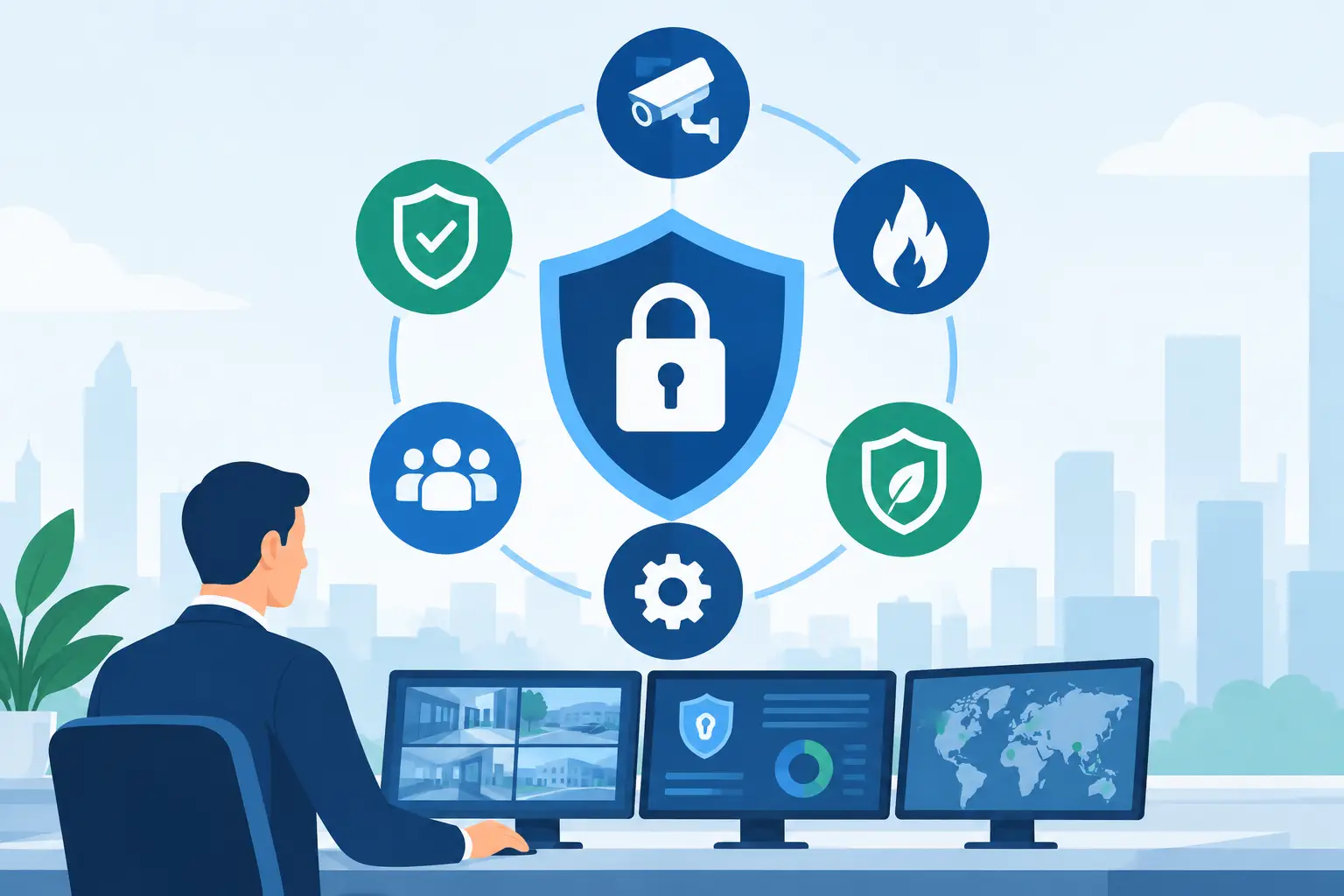
A forced door alarm sounds at a commercial property. The security team must immediately know which door was opened, who last used the credential reader, what nearby cameras recorded, and whether the incident requires a response. If staff need to open separate systems, search through video, and call another vendor for access logs, valuable minutes are lost. That is the practical answer behind the question, “what is integrated security management system” technology designed to solve.
An integrated security management system brings key physical security functions into one coordinated environment. Rather than treating CCTV, access control, alarms, intercoms, and monitoring as separate tools, it connects relevant information so operators can see events, investigate them, and respond with greater control.
For property owners and facilities managers, integration is not about adding technology for its own sake. It is about reducing blind spots between systems and making security operations easier to manage across a single site or several locations.
What Is an Integrated Security Management System?
An integrated security management system, often called an ISMS, is a central platform that combines physical security systems into a unified operational view. It can bring together video surveillance, door access records, intrusion alerts, visitor activity, and other security data based on the equipment and software selected.
The central idea is correlation. A camera can show what happened at a door, while the access-control system identifies whether the entry attempt used a valid credential. An alarm can direct operators to the correct camera view. Instead of investigating each event in isolation, the team has context.
The platform does not necessarily replace every existing security product. In many installations, it serves as the management layer above compatible cameras, recorders, access controllers, sensors, and other devices. The exact level of integration depends on the hardware, software licenses, site network, and operating requirements.
That distinction matters. A site with cameras and card readers is not automatically operating an integrated system. The systems must be intentionally connected so data, alerts, and workflows can work together.
How Integrated Security Management Works in Practice
A properly planned system begins with field devices. CCTV cameras provide visual coverage of entrances, parking areas, lobbies, loading zones, hallways, and sensitive rooms. Access-control readers manage who can enter specific doors and when. Door contacts, panic buttons, motion sensors, or intrusion devices can add further event information.
These devices feed into their respective controllers, recorders, or servers. The management platform then receives event data and presents it through a shared interface. Depending on the solution, an operator may be able to view live video, review recorded footage, check access history, acknowledge alarms, and trigger authorized responses from the same workstation.
Consider a contractor attempting to enter a restricted equipment room after approved work hours. The reader rejects the card and creates an access event. The system can display video from the camera covering that door, notify the assigned team, and preserve the related record for review. The operator does not have to guess which camera to check or manually compare unrelated timestamps.
For a small office, the integration may be straightforward: cameras, a few controlled doors, and alerts sent to a responsible manager. For a multi-building facility, it may include multiple security stations, role-based permissions, site maps, visitor controls, and standardized reporting. Both use the same principle, but the right system should match the property’s actual risk and workflow.
The Security Components Commonly Connected
Video surveillance and access control are usually the foundation of an integrated setup. They address two basic questions: what happened, and who was authorized to be there. Together, they give managers stronger evidence than either system can provide alone.
CCTV supports real-time observation and post-incident investigation. It can verify whether a door alarm was caused by an attempted break-in, a delivery issue, or a staff member who left a door unsecured. Camera placement still matters. Integration cannot correct poor coverage, obstructed views, inadequate lighting, or insufficient video retention.
Access control helps enforce entry rules across offices, retail spaces, warehouses, residential common areas, schools, and institutional properties. Credentials can be assigned by user, schedule, or area. When access events are linked to video, managers can investigate denied entries, door-forced alerts, tailgating concerns, and unusual after-hours activity with better confidence.
Other components may be added where they have a clear operational purpose. Intrusion alarms can prioritize emergency events. Intercom systems can help verify visitors before a door is released. Visitor management can document who is expected on site. Parking and vehicle controls may also be integrated for properties that need coordinated gate access.
The goal is not to connect every device available. Unnecessary integration can add cost, complexity, and training demands without improving protection. A useful design connects the systems that help staff make faster, better-informed decisions.
Why a Centralized System Improves Property Protection
The largest benefit is visibility. Security incidents rarely stay inside one category. An unauthorized entry may involve a door event, camera footage, an alarm notification, and a facilities follow-up. Central management allows teams to understand the full sequence instead of reviewing records in separate places.
It also improves response consistency. When an alert occurs, operators can follow a defined process: verify the event, view associated video, contact the relevant person or security provider, and document the outcome. This is especially useful when multiple staff members share monitoring duties or when responsibility changes between shifts.
For multi-site operators, centralized management can reduce the burden of visiting each location to check activity. A building administrator can review security events across several properties while still applying different access rules to each one. A business owner can maintain oversight without granting unrestricted system access to every employee.
Accountability is another practical advantage. Access logs, video records, alarm acknowledgments, and audit trails can support investigations after theft, property damage, disputes, or safety incidents. These records should be handled under the organization’s retention policies and applicable privacy requirements. More data is not automatically better if no one has a process for reviewing and protecting it.
What to Consider Before Selecting a System
A security management system should be selected around the site, not around a feature list. Start with the property’s daily operations. Identify the entrances that matter most, the areas that require restricted access, the hours when the site is least staffed, and the incidents that create the greatest concern.
Then consider scale. A single retail location may benefit from an integrated camera and door-access package that is easy for a manager to use. A warehouse, school, office campus, or residential development may need more user roles, longer video retention, wider network coverage, and a central management workstation.
Compatibility deserves careful attention. Existing cameras or access hardware may be usable, but not every device supports every integration feature. A professional assessment should confirm which equipment can be retained, what must be upgraded, and whether the network can support video traffic and remote access securely.
Operational ownership is equally important. Decide who can issue access credentials, who receives alerts, who can review video, and who is authorized to release doors remotely. Clear permissions prevent a centralized system from becoming a centralized risk.
Budget should include more than equipment. Installation, cabling, networking, configuration, user training, maintenance, software updates, and support all affect long-term value. Rental or packaged solutions can be useful for organizations that need a flexible deployment path, temporary coverage, or a predictable way to start with essential protection.
Integration Does Not Remove the Need for Good Procedures
An integrated platform makes information easier to use, but it cannot replace sound security practices. Doors still need appropriate hardware. Cameras still need correct positioning and regular checks. Staff need to understand visitor procedures, incident escalation, and credential responsibilities.
False alerts and alert fatigue also require attention. If every minor event creates an urgent notification, teams may begin to ignore the alerts that matter. Settings should reflect real operating conditions, with priority levels that distinguish a routine access denial from a forced entry at a restricted door.
Privacy and access governance must be considered from the beginning. Limit video and access-record visibility to authorized roles, use strong account controls, and establish retention practices that fit the property’s needs. Security management is most effective when it protects people and property without creating unnecessary exposure of sensitive information.
A More Organized Way to Manage Security
For many properties, the value of an integrated security management system is not a single feature. It is the ability to replace disconnected security tasks with a clearer operating picture. Cameras confirm events, access control provides identity and timing, and central management helps the right people act without delay.
MyCCTV approaches this need as an all-in-one security requirement, combining CCTV surveillance, access control, centralized management, service, and flexible deployment options according to site needs. The right configuration can be simple or extensive, but it should always be organized around the people, doors, spaces, and risks that matter most.
A useful next step is to walk the property as an incident would unfold: start at the entrance, follow the route to restricted areas, and ask what your team could see, verify, and do at each point. The gaps in that journey often reveal where integration will provide the most practical protection.